

Which workstation do I need to run AI models locally?
Running AI models on your own machine keeps your data private, has no per-use fees and has no waiting for a cloud service. The one number that matters most is GPU memory: the model has to fit in it. This page shows how much you need.
Last checked 13 Oct 2026
Not sure? Ask our AI advisor
Tell it the models you want to run and how many people will use them. It only suggests machines we sell, with real prices and lead times.
GPU memory is what decides it
A model's size is counted in parameters (for example 8B means 8 billion). Each parameter takes memory. Compressing a model ("quantising" it, for example to 4-bit) makes it smaller with a small loss in quality.
Rough GPU memory needed to run a model for one user:
| Model size | 4-bit | 8-bit | 16-bit |
|---|---|---|---|
| 7 to 8B | about 6 GB | about 10 GB | about 18 GB |
| 13 to 14B | about 10 GB | about 16 GB | about 32 GB |
| 30 to 34B | about 20 GB | about 36 GB | about 70 GB |
| 70B | about 40 GB | about 75 GB | about 150 GB |
These are rough guides. Long documents and many users at once need more memory on top.
What else matters
- More users: each person chatting at once needs extra memory. For a team, add headroom or a second GPU.
- System RAM: have at least as much RAM as GPU memory, so models load quickly.
- Storage: models are large files. Fast NVMe storage of 2 TB or more is a sensible start.
- More than one GPU: two GPUs can share one big model. One GPU with more memory is usually simpler.
Workstations in our catalogue
Featured machines. Prices, stock and lead times are live.
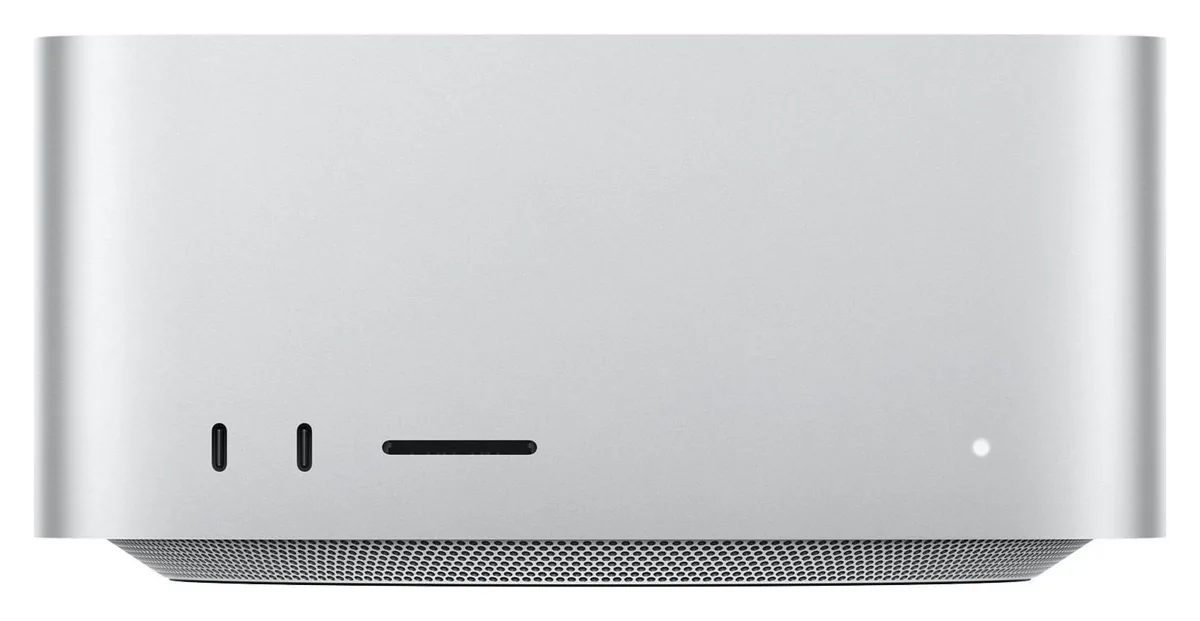
- GPU: 40-core GPU with Neural Accelerators
- Connectivity: 4× Thunderbolt 5 (rear), 10Gb Ethernet, Wi-Fi 7, Bluetooth 6
- Chip: Apple M5 Max — 18-core CPU (6 super + 12 performance cores)
- GPU: 64- or 80-core GPU with Neural Accelerators
- Connectivity: 4× Thunderbolt 5 (rear), 10Gb Ethernet, Wi-Fi 7, Bluetooth 6
- Chip: Apple M5 Ultra — 30- or 36-core CPU
- CPU socket: sTR5
- GPUs: Up to 4× dual-slot NVIDIA RTX PRO Blackwell
- Form factor: Full tower (rack-convertible)
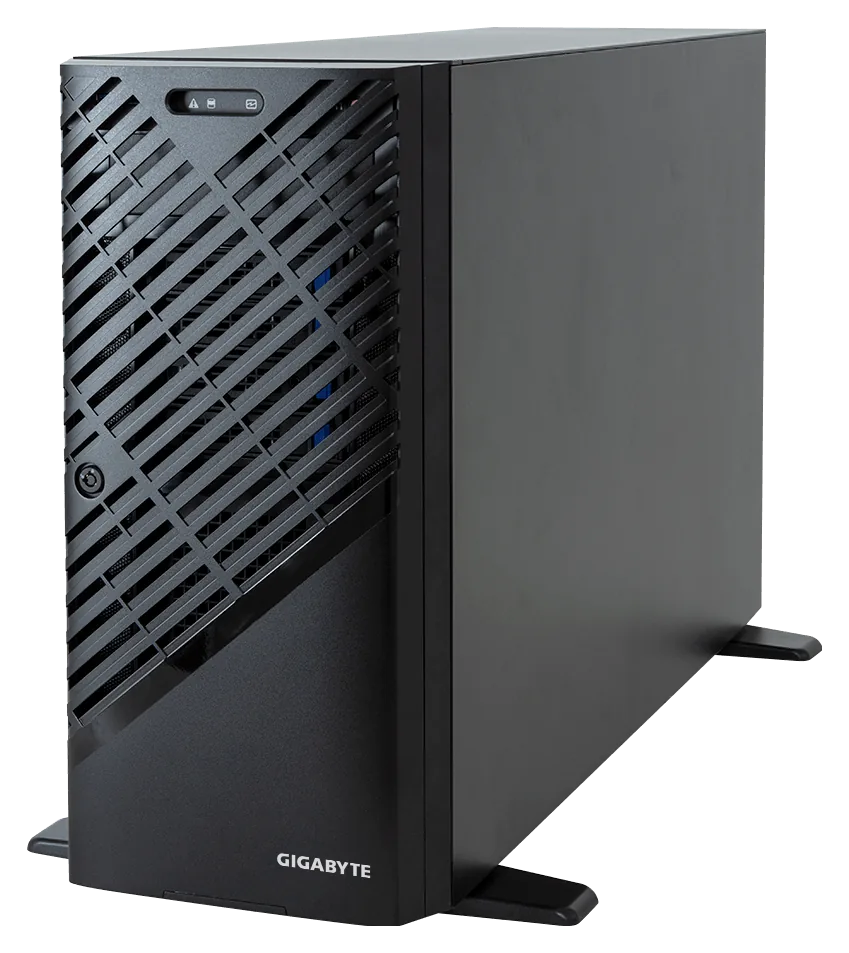
- CPU options: Threadripper PRO 7985WX or 9985WX (64 cores, 350 W)
- Networking: Dual 10GbE (Broadcom BCM57416)
- Warranty: 3-year depot
- GPU: 1× NVIDIA GPU
- Form factor: Mid tower
- Memory: Dual-channel DDR5
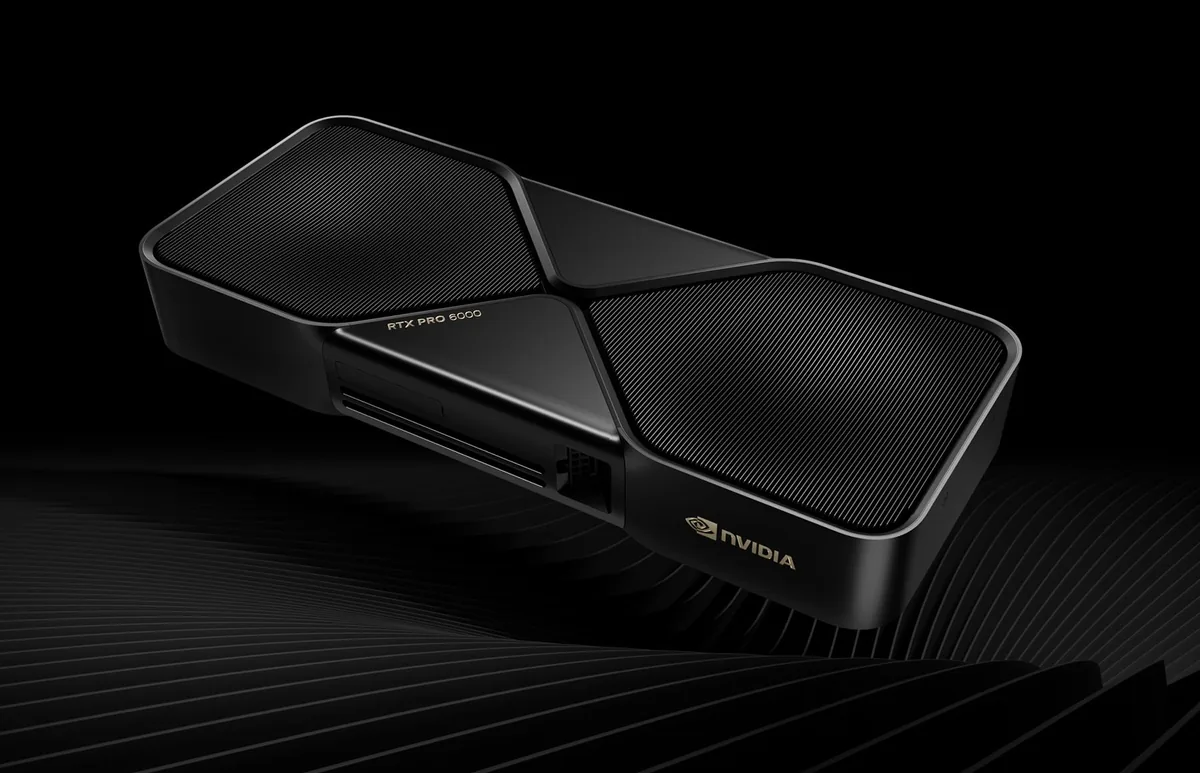
- GPU memory: 192 GB GDDR7 ECC total
- Boot drive: 4 TB PCIe 5.0 NVMe
- GPUs: 2× NVIDIA RTX PRO 6000 Blackwell Workstation Edition
Common questions
Can I run a 70B model on one GPU?
Yes, if the GPU has enough memory. At 4-bit, a 70B model needs about 40 GB, so it fits on a single GPU with 48 GB or more.
Is a gaming graphics card good enough?
For small models, often yes. Professional cards have more memory, are built to run all day and fit more of them in one machine.
Are your prices shown with VAT?
Yes. Every price is shown without VAT and with VAT, and there are no hidden fees.
How long will it take to arrive?
Each product shows its real lead time from our stock data. The advisor uses the same data and won't guess a date.
Get a suggestion for your needs
Tell it the models you want to run and how many people will use them. It only suggests machines we sell, with real prices and lead times.