

AI and robotics labs for universities: what to buy and why
Research groups lose weeks waiting for a shared GPU cluster. A lab machine your team controls means faster experiments and no queue. This page explains what to buy for building AI agents, training models and simulating robots, and how labs usually pay for it.
Last checked 13 Oct 2026
Not sure? Ask our AI advisor
It asks about your models, data, team size, budget and deadline, then picks from our catalogue. It only suggests machines we sell, with real prices and lead times.
Three jobs a lab machine does
- Building AI agents: run open models locally, call tools, and test many prompts quickly. This needs GPU memory to hold the model, plus a fast CPU and plenty of RAM for the tools around it.
- Training and fine-tuning: adapt a model to your data. This needs the most GPU memory and fast storage to feed data to the GPUs.
- Robotics and simulation: simulate robots and sensors, and generate training data. This needs an RTX graphics card, because simulators render the scene as well as computing it.
Workstation or server?
| Desk-side workstation | GPU server | |
|---|---|---|
| Best for | One to a few researchers, simulation, daily work | A whole group, long training runs |
| Where it goes | Under a desk, normal plug | Server room or data centre |
| Noise | Quiet | Loud |
| GPUs | Usually 1 to 4 | Usually 4 to 8 |
Many labs start with a workstation for each project and add a shared server when training jobs grow.
Feeding data to robots and models
Robotics labs often record hours of camera and sensor data. Plan for:
- Fast local storage (NVMe) for the data you are training on now.
- Larger, slower storage for everything you've recorded.
- Fast networking (25 GbE or more) if robots, storage and servers are in different places.
Simulation tools such as NVIDIA Isaac Sim need an RTX GPU with plenty of memory. NVIDIA lists 16 GB of GPU memory as the minimum and says data-centre GPUs without RT cores (such as A100 and H100) are not supported. So keep simulation on an RTX workstation, and send big training jobs to a server.
Paying for it
- Research grants: equipment is often costed into a grant. Our advisor can help write the spec, and you can download a PDF quote to attach. Normal quotes stay valid for 30 days; Trade members get a longer price lock.
- Your procurement team: most universities buy through purchasing consortia or their own frameworks. Ask them early, as this can take longer than the build.
- VAT: we show every price with and without VAT. Your finance team will know how VAT applies to research equipment.
Workstations
Featured workstations from our catalogue. Prices, stock and lead times are live.
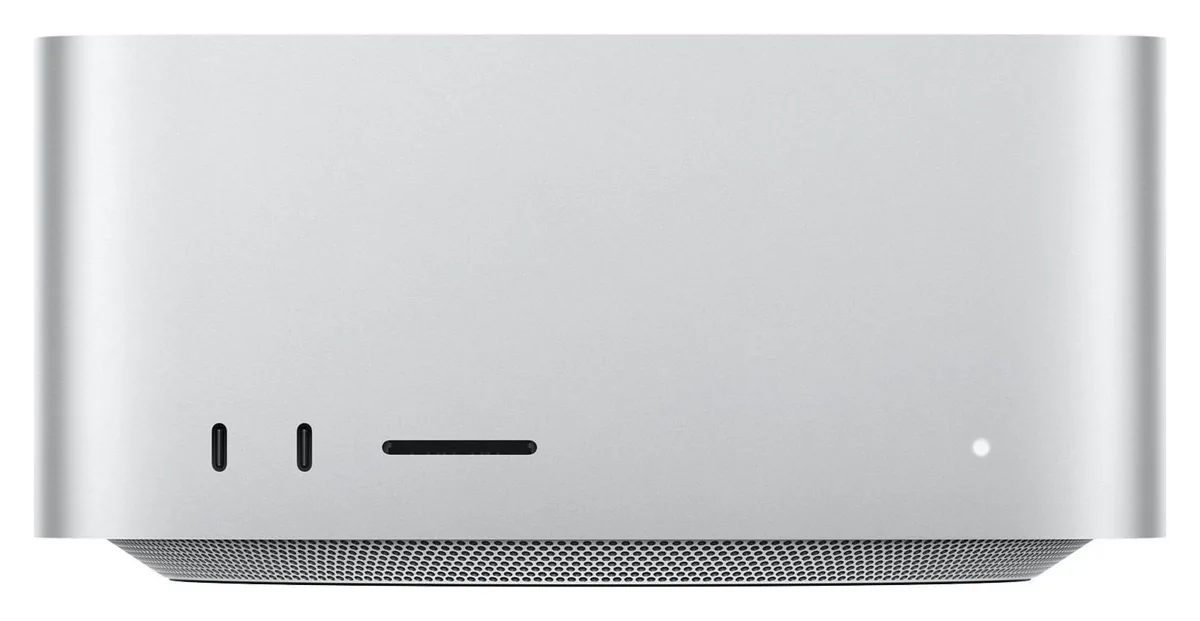
- GPU: 40-core GPU with Neural Accelerators
- Connectivity: 4× Thunderbolt 5 (rear), 10Gb Ethernet, Wi-Fi 7, Bluetooth 6
- Chip: Apple M5 Max — 18-core CPU (6 super + 12 performance cores)
- GPU: 64- or 80-core GPU with Neural Accelerators
- Connectivity: 4× Thunderbolt 5 (rear), 10Gb Ethernet, Wi-Fi 7, Bluetooth 6
- Chip: Apple M5 Ultra — 30- or 36-core CPU
- CPU socket: sTR5
- GPUs: Up to 4× dual-slot NVIDIA RTX PRO Blackwell
- Form factor: Full tower (rack-convertible)
GPU servers
For shared training across a group.
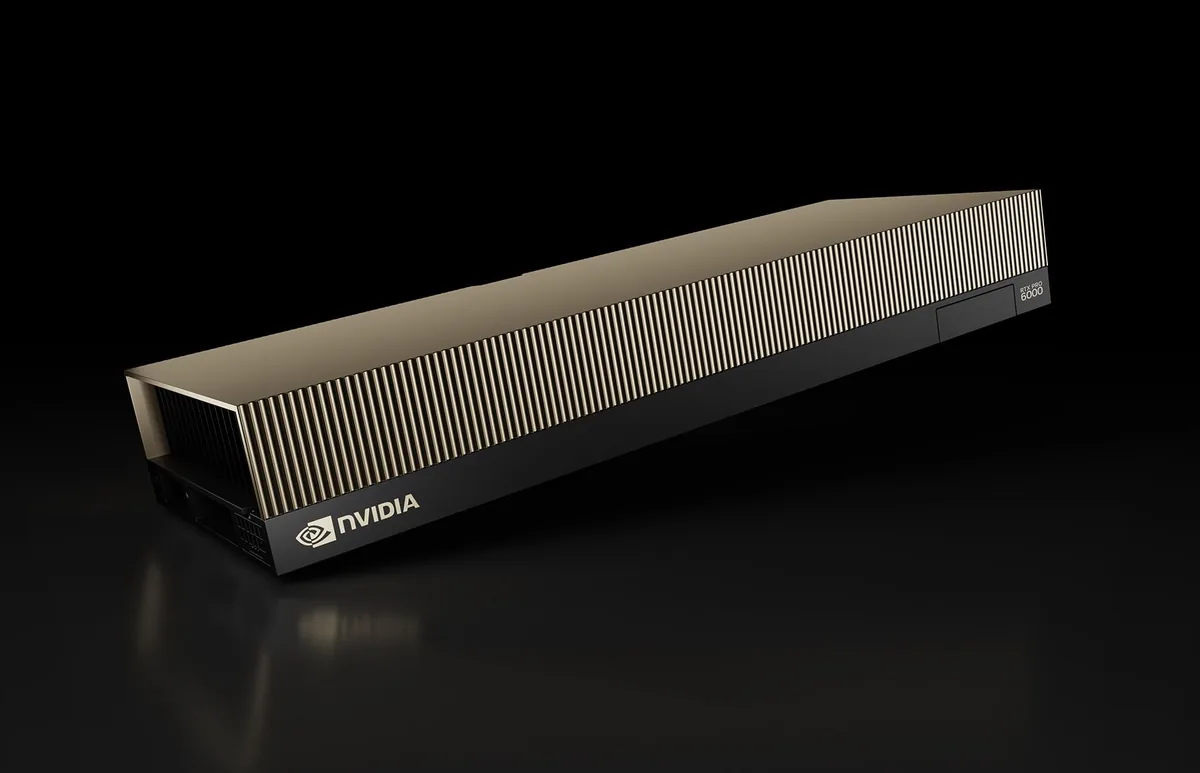
- Processors: Dual AMD EPYC 9005 series
- CPU socket: 2× SP5
- GPUs: Up to 8× NVIDIA RTX PRO 6000 Blackwell Server Edition
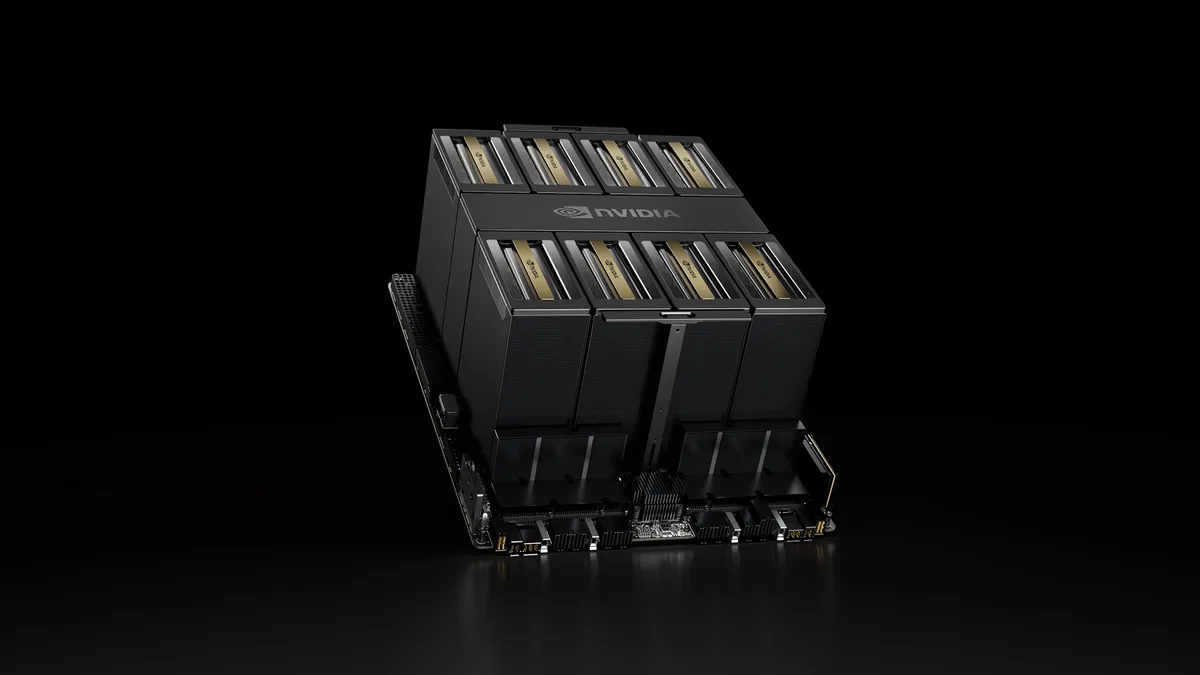
- GPU interconnect: Fifth-generation NVLink / NVSwitch
- Total GPU memory: 1.4 TB HBM3e
- GPUs: 8× NVIDIA B200
- Processor: AMD EPYC 9005 series
- CPU socket: 1× SP5
- GPUs: Up to 4× NVIDIA RTX PRO 6000 Blackwell Server Edition
Common questions
How much GPU memory do we need to build AI agents?
It depends on the model. As a rough guide, a 7 to 8 billion parameter model needs about 6 to 8 GB at 4-bit, and a 70 billion parameter model needs about 40 GB or more. The advisor can work this out for your models.
Can we run robot simulation on a GPU server?
Only if its GPUs are RTX cards. Simulators like Isaac Sim need RT cores, which data-centre GPUs such as the A100 and H100 don't have.
Can you match our grant deadline?
We show the real lead time on every product from our stock data. Tell the advisor your deadline and it will check the lead times of the machines it suggests against it.
Get a suggestion for your needs
It asks about your models, data, team size, budget and deadline, then picks from our catalogue. It only suggests machines we sell, with real prices and lead times.